
Sign Scanned Documents & PDF Online Free
Draw, type, or upload your signature directly onto scanned contracts, lease agreements, invoices, and government forms. Avoid the hassle of printing and re-scanning with 100% private in-browser signing.
Choose a scanned or normal PDF to open the interactive editor with the signature tool ready.
Only edit documents that you own or are legally authorized to modify. Do not use this website to alter documents for fraud, misrepresentation, identity misuse, or any illegal purpose. You are fully responsible for how you use edited documents; Edit Scanned PDF is not responsible for unlawful or unauthorized use. Read More
How Browser-Based PDF Signing Works
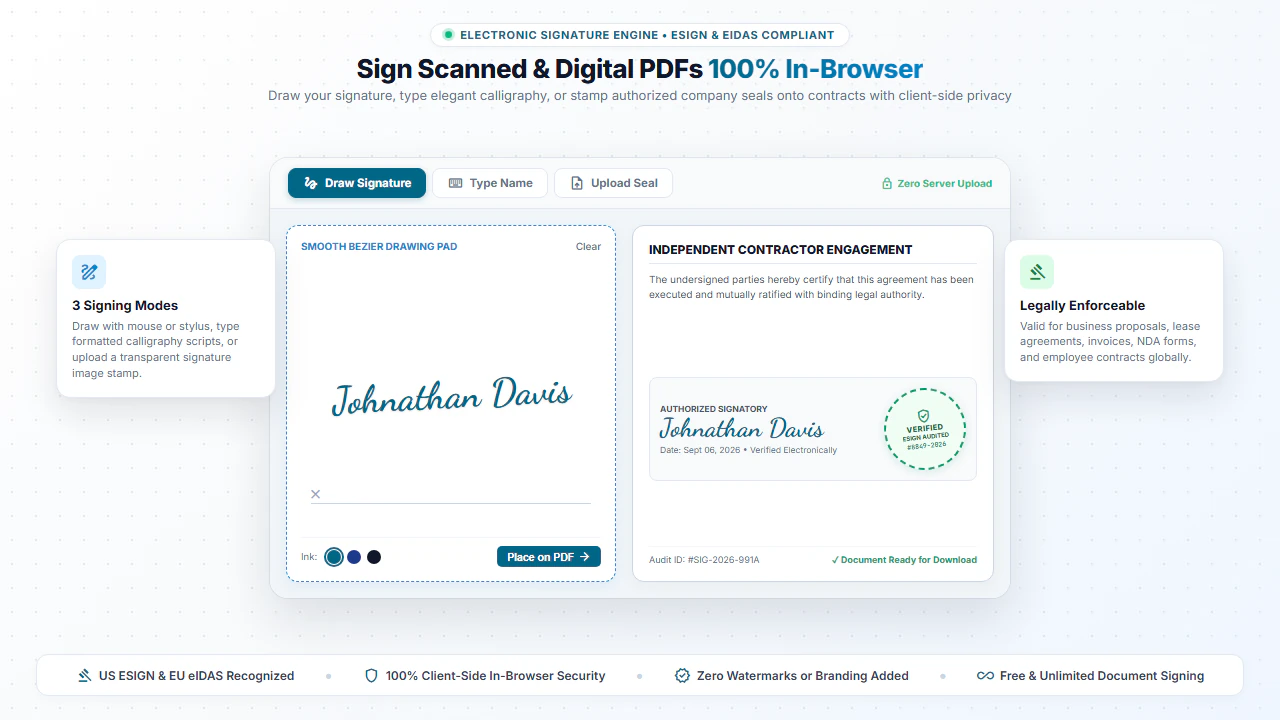
Signing a PDF document digitally involves placing a vector or high-resolution raster graphic representing your autograph directly into the document's visual stream at your specified coordinates.
Our tool renders your signature onto the exact page line with crisp scaling, allowing you to drag, resize, rotate, and align signatures perfectly across contracts, leases, NDAs, and forms.
Step-by-Step: How to Sign a PDF in 4 Simple Steps
- Step 1: Open Document: Click Sign Scanned PDF or drag your contract into the window.
- Step 2: Draw or Upload: Use your mouse or trackpad to draw, type cursive script, or upload a signature graphic.
- Step 3: Place on Line: Position and scale the signature neatly over the signature line or notary box.
- Step 4: Download Document: Click Download PDF to save the executed agreement directly to your device.
- Step 1: Select File: Tap Sign Scanned PDF to choose your agreement or form from your phone files.
- Step 2: Sign with Finger: Draw your natural signature directly on your phone or tablet touchscreen.
- Step 3: Adjust Size: Pinch or drag the signature into the designated contract space.
- Step 4: Save PDF: Tap Download PDF to save the signed document immediately.
Everyday Documents You Can Sign in Seconds
Freelance & Client Contracts
Sign client proposals, statement of work (SOW) sheets, and consulting agreements.
Real Estate & Rental Leases
Execute apartment lease agreements, tenant disclosures, and property inspection sign-offs.
HR & Employment Offer Letters
Sign employee contracts, W-9 forms, direct deposit authorizations, and NDA documents.
Invoices & Purchase Orders
Authorize vendor invoices, equipment purchase requests, and delivery receipts.
100% Client-Side Privacy: Your Signature is Never Uploaded
Your handwritten signature is your legal identity. Uploading your signature image and signed contracts to cloud servers creates major identity theft and document tampering risks.
EditScannedPDF.com executes all signature rendering 100% locally in your web browser. Your signature graphic and confidential documents are never uploaded to any remote server.
Comparison: EditScannedPDF vs. Traditional Cloud Tools
Understanding how our in-browser WebAssembly architecture protects your sensitive documents compared to legacy cloud PDF converters:
Enterprise-Grade In-Browser Security Architecture
When working with sensitive contracts, financial spreadsheets, medical records, or identity credentials, uploading files to third-party web servers introduces major cybersecurity risks. EditScannedPDF solves this fundamental vulnerability by executing all PDF compilation, vector synthesis, and cryptographic operations directly inside your device's browser memory using WebAssembly.
Your documents never travel across the internet, are never indexed on remote hard drives, and leave zero data footprint behind once you close your browser tab. Experience complete operational privacy built from the ground up to satisfy modern corporate security protocols.
Frequently Asked Questions (FAQ)
Can I sign a scanned document without printing it out first?
Yes! Simply open your scanned PDF, draw your signature with your mouse, trackpad, or finger (on touchscreen/mobile), or upload an image of your signature and place it anywhere on the page.
Is a digitally placed signature on a scanned contract legally valid?
Yes. Under the ESIGN Act and UETA regulations, electronically placed signatures on agreements and forms are legally binding when parties intend to sign.
Can I resize and position my signature over the scanned signature line?
Yes. You have full control to drag, scale, and adjust the signature to fit perfectly on any scanned contract line or notary box.
Is my signature image stored on your servers?
Never. Your signature and documents remain strictly inside your browser's local memory. Nothing is ever transmitted to or stored on external servers.